






ST Mini
Yes, with the JST cable
It goes to the connector labelled CN3 on the ECU. Straight across: pin 1 on the ECU to pin 1 on the module.
Module
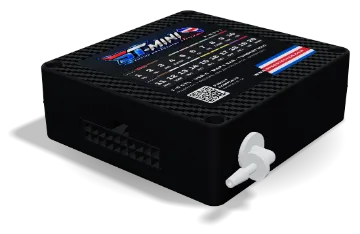
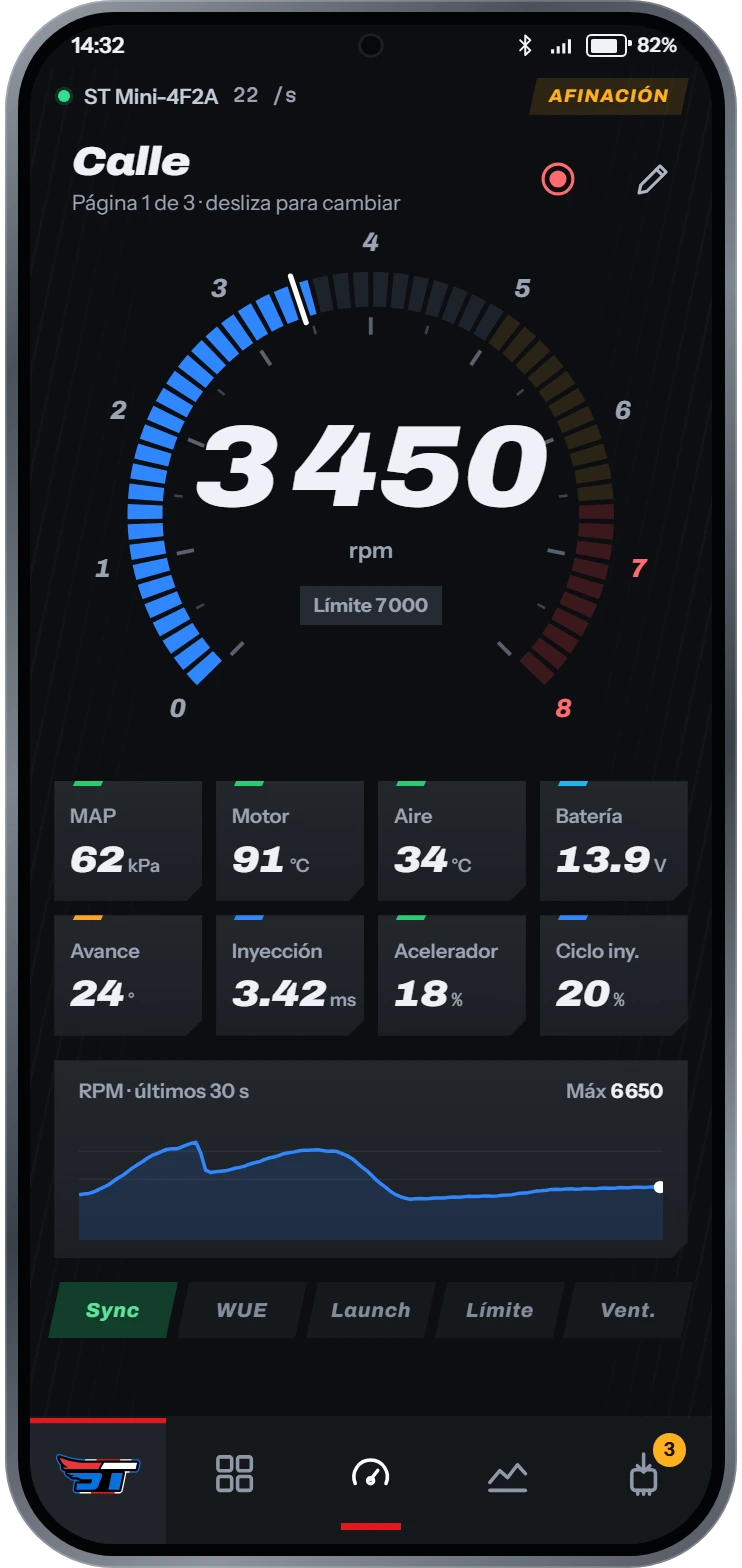
Bluetooth moduleConnect your SpeedTech ECU to your phone over Bluetooth and tune it with the STuner app.
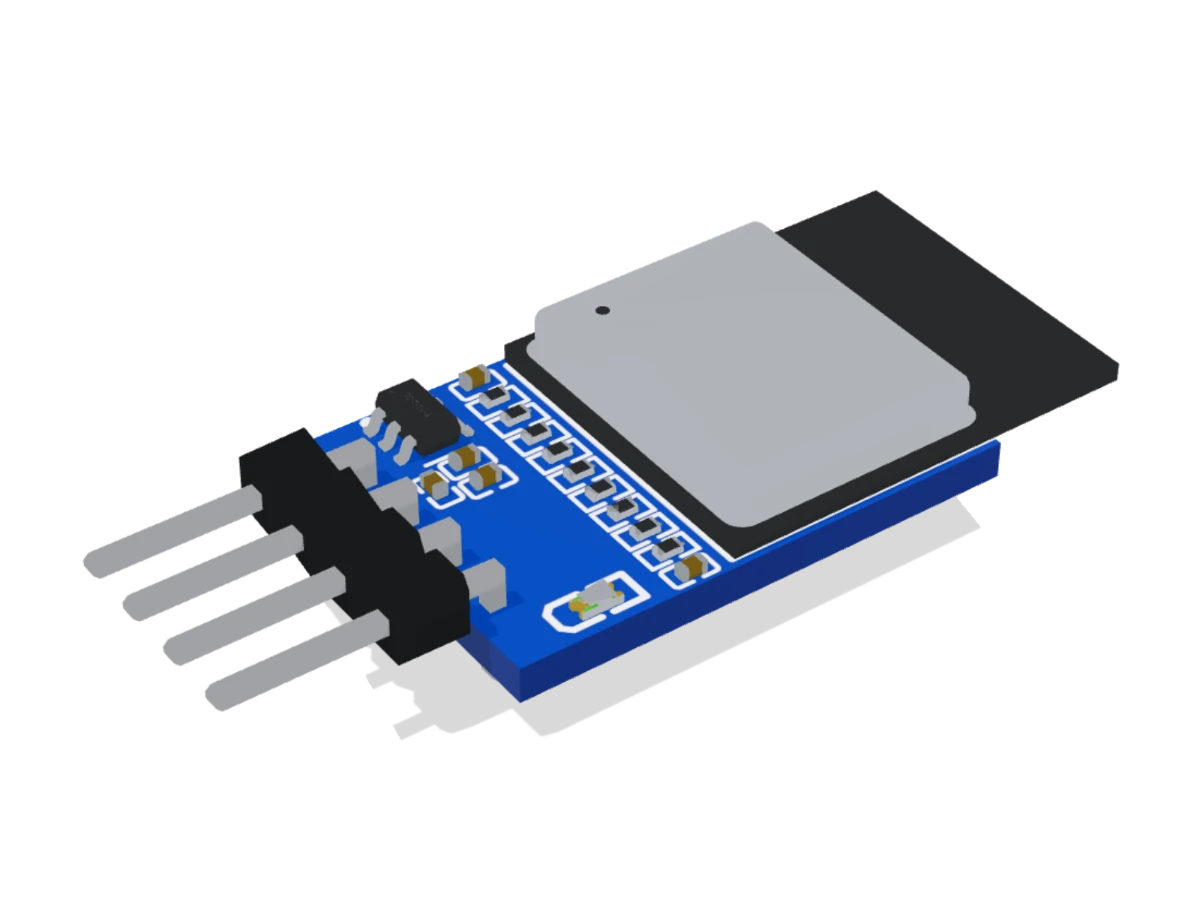
Four wires: +5 V, GND, TX and RX. The pin-by-pin for your ECU is in the quick guide below.
Once, over USB, from TunerStudio or STuner. Two settings and a restart: they are in the quick guide.
The same one you bought with. Your module shows up on its own, with its key, and ends up activated in your name, and 7 free days of ST Premium turn on, once per account.
Confirm your email with the link you get when you create the account: without that we don't hand over the key. And a new phone only pairs in the 10 minutes after you turn the key; phones that are already paired connect every time.
Yes, with the JST cable
It goes to the connector labelled CN3 on the ECU. Straight across: pin 1 on the ECU to pin 1 on the module.
Yes, with the jumpers
To the four-pin serial header, labelled SERIAL 3 or SERIAL. Crossed: pin 4 on the ECU to pin 1 on the module.
Yes, with the jumpers
Just like the ST-02: the same serial header, the same four jumpers and crossed the same way.
The ST-100 already has Bluetooth built in, so it doesn't take the module. Don't use the other header, the one labelled BT or BLUETOOTH: on the ST-02 and the ST-04 that one goes to the USB port.
The board with the Bluetooth. It measures 14 × 20 mm and fits inside the ECU or right next to it.
The small connector that plugs into the ST Mini's «CN3» on one end, and four loose sockets on the other.
The four-pin strip to solder onto the ECU's serial header, in case yours does not have one fitted.
The four loose leads that join the module to the ECU, one per pin.
Your module’s key is not printed anywhere: it lives in your account.
The module's red LED, the one labelled STAT, is what tells you what's going on.
A steady LED means STuner is talking to your ECU. You can start tuning.
This is normal before you connect: the module has power and is waiting. Open STuner and tap Connect.
If the app cannot find it, check that Bluetooth and location are on in your phone, and move closer to the module.
This should not happen to you: every module leaves configured and tested. Message us and we’ll sort it out.
Message us before going any further: do not try to reprogram it.
Check the cable and the pin order: on the ST Mini it runs straight and on the ST-02 and the ST-04 it runs crossed.
The module’s header has no latch and fits both ways round, so check pin 1 before you plug it in.
Second Serial is not enabled, or it was left on «Generic (Fixed List)» instead of «Tuner Studio», or it was enabled without restarting the ECU, or the cable has TX and RX swapped.
If you have an early ST Mini and it still has resistors R46 and R47, they have to come off the ECU, otherwise the signal does not reach the module properly. Message us and we’ll walk you through it.
Sign in to STuner with the email you bought with: the app takes the key from your account and pairs on its own, without you typing anything.
A new phone only pairs in the 10 minutes after you turn the key. Switch the car off, turn the key again and pair right away. Phones that are already paired connect every time.
If you already tried before, delete the module’s old pairing in your phone’s Bluetooth settings and sign in to the app again.
Module not showing up? Check that you confirmed your email (we sent you a link when you created the account) and that it is the same one you bought with. If it still does not appear, message us on WhatsApp with your serial number.
It isn't on Google Play yet: you download it from this very page as an installer file, what Android calls an APK. It needs Android 8.0 or newer.
On a computer? Scan this code with your phone and the download starts there
speedtechcr.com/stuner.apk
This is the file’s SHA-256 fingerprint. If the one your phone gives you is the same, you downloaded ours and nobody tampered with it along the way.
3b5b1acda1136d8e0de28f42629336a88791d621db3e66ca4463ac2491547c00
And this is the fingerprint of the certificate we sign the app with. That one does not change from version to version: it is what says the app is ours, wherever you download it from.
F1:F1:1C:F0:15:11:90:E5:07:76:7A:8E:CA:FC:22:31:74:4C:73:CF:B9:B2:DD:C6:78:3E:B8:5E:26:32:50:92
The module’s label carries its serial number, the same one in the SpeedTech-signed certificate stored on the chip. STuner checks it when connecting.
Every module has its own 6-digit key, different on every one, and that is what stops anyone near the car from sending commands to your ECU. We keep it encrypted and hand it to the app only when you sign in with your account and your email is confirmed.
Once you activate it, it is in your name. If it is stolen, we block it and it stops working with STuner, even if it was already paired.
This page will never ask you for your key.
Changed phones? Sign in with the same account and that’s it. Bought the module second-hand? Message us and we’ll move it to your account.
The module carries a 6-month warranty against manufacturing defects, from the date of purchase.
Message us on WhatsApp with your module’s serial number and we’ll help you.